
How to Prevent SIM-Swap Fraud: Port Lock, MFA and Recovery Checklist
Smartor 편집팀
August 23, 2026

If your phone suddenly shows “No Service,” your usual verification texts stop arriving, or your carrier reports a SIM change you never requested, do not assume it is only a network outage. Someone may be trying to move your number to a SIM or eSIM they control—a SIM-swap attack—or transfer it to another carrier without permission, often called port-out fraud. Once a criminal controls the number, they may receive texted security codes and attempt password resets for your email, financial, and social accounts.
You do not have to rely on a single precaution. A practical defense has several layers: a unique carrier password and account PIN, a port or SIM-change lock when your carrier offers one, stronger authentication for your most important accounts, and a written recovery sequence you can follow under pressure. This guide walks U.S. consumers and families through those layers in the order that delivers the most protection.
In a SIM swap, an attacker tries to make your current carrier activate your number on a different SIM or eSIM. In an unauthorized port-out, the attacker attempts to transfer the number to an account at another carrier. The back-end processes differ, but the result for you can look nearly identical: calls, texts, and cellular data stop working on your phone while the attacker begins receiving communications sent to your number.
The attacker does not necessarily need your physical phone. Criminals may assemble a convincing identity from a name, address, phone number, date of birth, reused password, and answers inferred from public posts. They may steal your carrier login on a phishing page or persuade a representative that your phone was lost or damaged. That is why a screen lock alone cannot solve the problem. The protection plan needs to cover your device, wireless account, phone number, email, financial accounts, and recovery methods.
One sign does not prove fraud. A carrier outage, billing problem, damaged SIM, or device setting can produce similar symptoms. But loss of service combined with an account-change notice is a reason to stop waiting and begin the incident-response steps below.
Sign in through the carrier’s official app or a web address you type yourself. Replace any reused password with a long, unique one. If a shopping, social, or email service is breached, criminals often test the exposed credentials elsewhere. A password manager can generate and store a different random password for each account, so protection does not depend on your memory.
Many carriers support an account PIN or security code for customer-service calls, store visits, SIM changes, or transfers. Do not use a birthday, street number, or the last digits of your phone number. On a family plan, avoid posting the PIN in a group chat. Limit access to the people who actually administer the account and store it in a protected password manager or another controlled location.
The feature name varies by carrier. Look in the app or website for terms such as “Number Lock,” “Port Protection,” “Transfer Lock,” “SIM Protection,” or “Takeover Protection.” If you cannot find the setting, call the number on your bill or the carrier’s official site and ask a precise question:
“Can you require extra authentication before my number is moved to another SIM, eSIM, or carrier? Please also enable any port lock and SIM-change alerts available on my account.”
A lock is not a promise that every attack will fail. It adds friction, however, so a password alone is less likely to authorize a transfer and you have a better chance of seeing a warning before the change is completed.
Remove old email addresses, unused backup numbers, former household members, and departed employees who no longer need access. If the legal account owner and everyday users are different people, document who can approve changes. Confirm that the name, billing address, and contact information on the account are current; stale information can slow your identity verification during a real emergency.
Enable notices for SIM or eSIM activation, device additions, transfer requests, PIN changes, and password resets. If possible, send notices to a secured email address as well as by text. After a number takeover, text-only alerts may follow the number to the attacker. When an alert arrives, avoid its embedded link. Open the saved carrier app or type the known carrier address instead.
SMS MFA is generally better than a password alone, but it has a specific weakness when the phone number itself is stolen. You do not need to rebuild every account in one sitting. Start with the accounts that can reset everything else, then work outward.
Email is the control center for password-reset links. Protect it with an authenticator app, passkey, or physical security key where available, and avoid leaving SMS as the only recovery option. Secure any recovery email with its own unique password and MFA. Review active sessions, recovery contacts, connected apps, filters, and forwarding rules. An intruder may create a rule that quietly forwards or deletes security messages even after you change the password.
A password manager holds the keys to many accounts, so give it a strong master passphrase and a second factor that does not depend solely on your phone number. For banks, cards, brokerages, and payment apps, use the strongest option each institution actually provides and enable transaction alerts. Support differs: you may see an app approval, authenticator code, security key, phone call, or text. Do not store full account and card numbers in an unencrypted family note or shared cloud document.
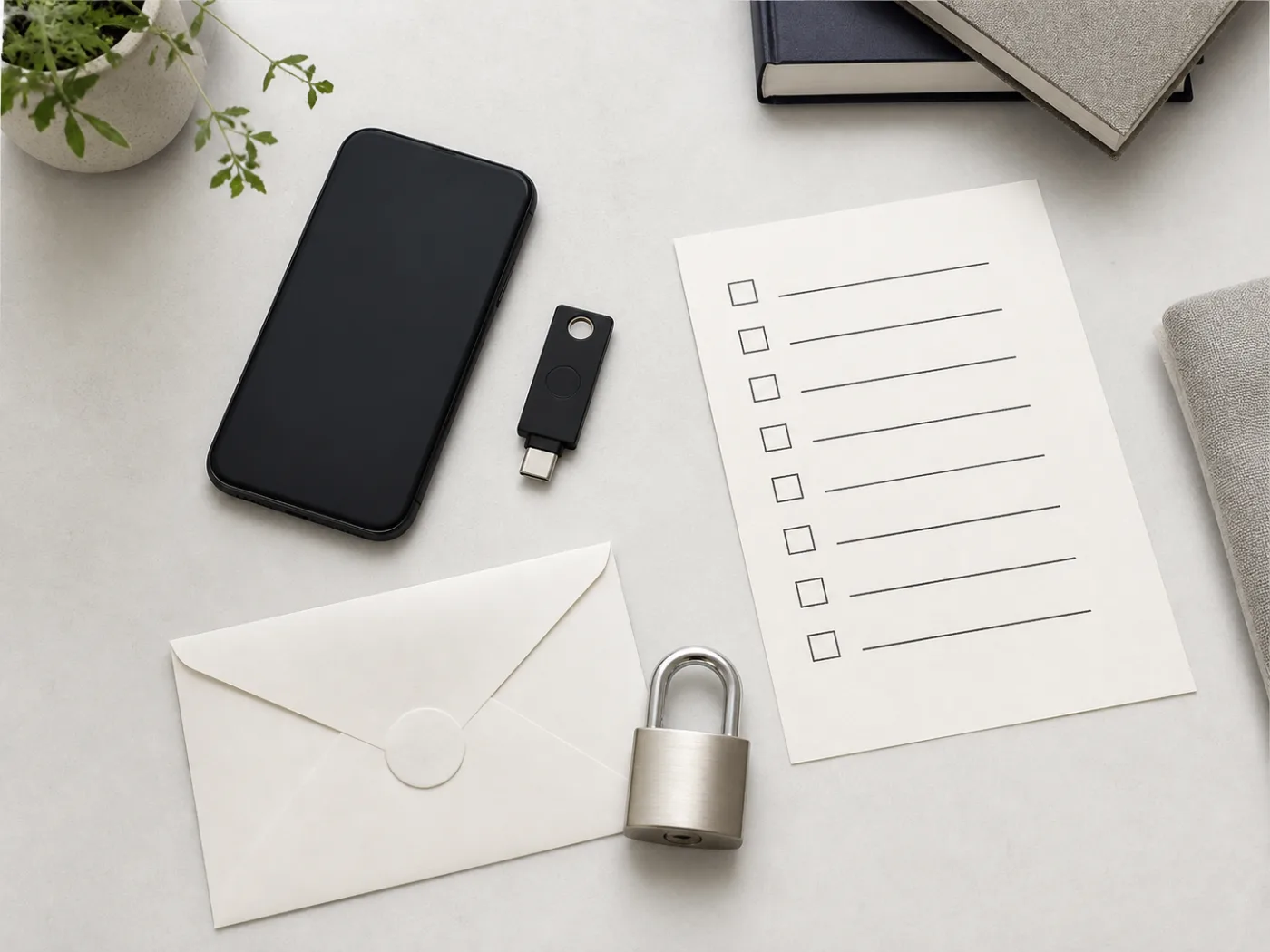
Continue with cloud storage that contains identity documents, social accounts with access to your contacts, health or insurance portals, and tax or government services. A stolen social account can become a channel for asking friends for money or spreading more phishing messages. Families can also use the verification steps in our AI voice-cloning family scam checklist when an urgent call or message appears to come from someone they know.
You cannot force a service to support a method it does not offer. The realistic goal is to inspect each account’s current security settings and make sure at least one sign-in or recovery path remains usable even if your phone number is temporarily unavailable.
Stronger MFA can also lock out the rightful owner if recovery information disappears. When a service issues one-time recovery codes, do not keep the only copy as a screenshot on the same phone. Print them for a secure physical location or place them in an encrypted vault. If you use a security key, keep a registered spare somewhere separate. For a family, decide who may access emergency recovery information and under what circumstances, without turning everyday private accounts into shared accounts.
The card does not need full passwords, a full Social Security number, or complete bank account numbers. Its purpose is to keep you from calling a fake support number from a search ad when you are stressed.
From a device you reasonably believe is safe, change the primary email password and sign out other sessions. Inspect MFA methods, recovery email and phone details, forwarding rules, filters, and connected apps. Then protect the password manager and financial accounts. If the compromised password was reused, replace it everywhere it appeared rather than changing only the first account.
Use official fraud channels for your banks, cards, brokerage, and payment services. Ask about unrecognized transfers, new payees, contact changes, or device enrollments. Freeze a card or account if the institution recommends it. If a consumer problem with a financial company remains unresolved, our CFPB complaint guide explains how to organize evidence and a clear timeline.
Review social and messaging accounts, too. Warn family through a separate channel not to trust money requests or verification-code requests coming from your number. A criminal who obtained the number may immediately use your identity and contact list to target other people.
Recovering the number is not the finish line. Change the wireless password, PIN, and security questions again; inspect authorized users, devices, eSIMs, and billing information; and confirm that port protection is active. Recheck email and financial login histories over the next several days. If identity data may have been exposed, consider whether a credit freeze or fraud alert through the official nationwide credit bureaus fits your situation. The right choice depends on what information was exposed and how it was used.
If nearby customers on the same network are also offline and the carrier’s official status page confirms an outage, a SIM swap becomes less likely. Still check for account-change notices. If everyone else has service and your email says a new eSIM was activated, contact the carrier through an official route immediately.
Even a message that looks like a genuine security alert can be phishing. Do not tap the link. Open the carrier app yourself or type the known address and inspect pending requests. A criminal may create urgency to collect your carrier credentials on a fake login page. You do not have to judge the message first when you can verify the account through a separate official channel.
An account intrusion may be underway before the SIM swap occurs. Change the email password, end other sessions, rebuild MFA, and inspect forwarding rules immediately. Check the wireless account at the same time for new users, device changes, or pending number transfers.
On a family plan, one primary owner may control several lines. Understand which users can approve changes instead of giving every member administrator rights. Teach children and older relatives that an inbound caller claiming to be the carrier should not receive the account PIN. A family verification phrase can help confirm urgent money requests, but it should not be the same as the carrier PIN.
A business number may receive customer calls, payment notices, and administrator recovery codes. Remove a former employee’s access immediately, and avoid making one employee’s personal number the recovery method for every administrator account. Document who may approve carrier changes. A two-person review before a business number is transferred can prevent both fraud and costly mistakes.
No. It can remove the risk of someone physically taking your SIM card, but it does not eliminate the possibility that a criminal could persuade or trick a carrier into activating your number on another eSIM. The carrier PIN, port protections, and strong account authentication still matter.
Move your highest-value accounts to an authenticator app, passkey, or security key when a stronger option exists. If a service offers only SMS, it may still add protection compared with a password alone. Pair it with a unique password and carrier safeguards, and avoid making the phone number your only line of defense.
It usually adds an unlock step before a legitimate transfer. The procedure and timing differ by provider. Before a planned move, use the official app or customer-service channel to learn the steps, and never use an unlock link sent by an unknown party.
A short disruption alone does not prove fraud. Act urgently when it is paired with an unfamiliar SIM change, carrier login, password reset, MFA change, or financial alert. Delay can give an intruder time to replace more recovery information.
You may not be able to remove every public reference, but you can limit unnecessary exposure on profiles, posts, and data-broker pages. Restrict other facts commonly used in identity checks, such as a full birthday, home address, and relatives’ names. Reduced exposure complements a PIN and MFA; it does not replace them.
While the carrier works to restore your number, contact the affected bank, card issuer, or payment service through its official fraud channel. Available remedies depend on the transaction type and timing, so follow the institution’s instructions and document each contact. If identity information was misused, IdentityTheft.gov can generate situation-specific recovery steps.
This article provides general digital-safety information for U.S. consumers. It is not individualized legal, financial, or telecommunications advice. Carrier features, financial authentication methods, and reporting procedures vary by provider and account, so confirm current instructions with the organization involved.
브라우저 메뉴에서 앱 설치 또는 홈 화면에 추가를 선택해 주세요.
[…] Smartor 편집팀 August 23, 2026 English version: Read this SIM-swap protection guide in English […]