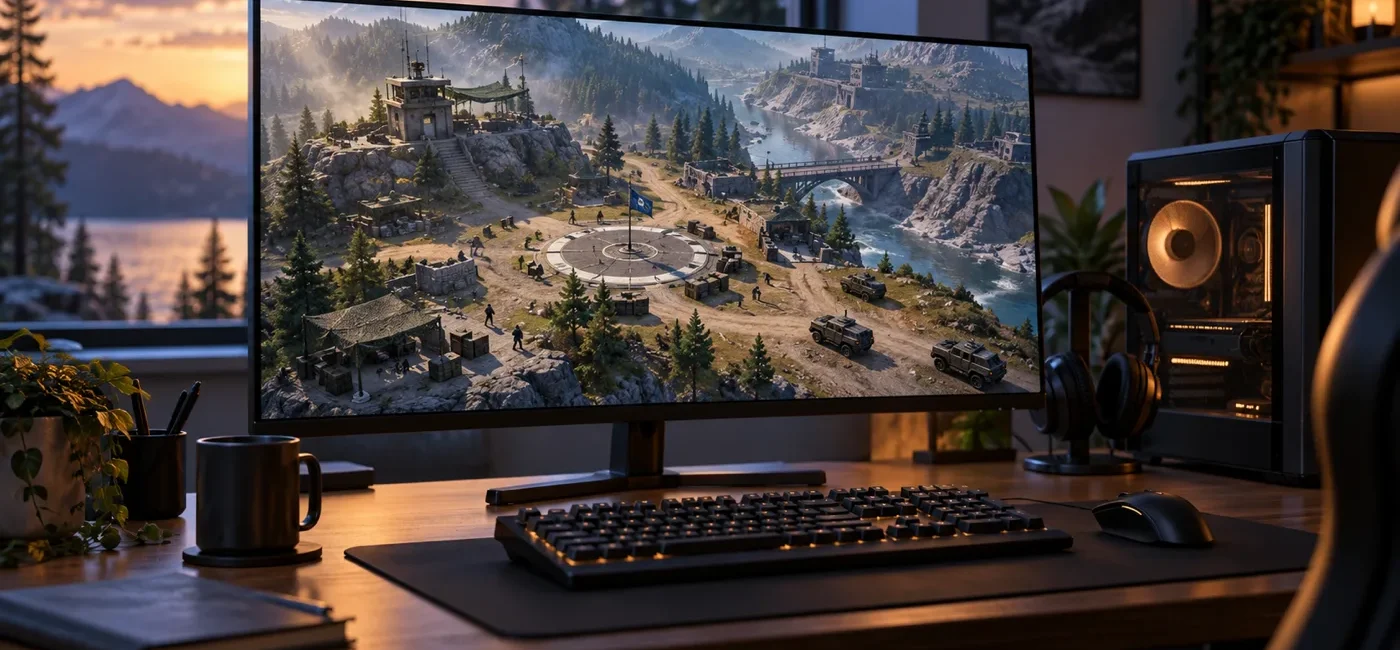
WARDOGS Early Access Buying Guide: PC Specs, GeForce NOW and Refunds
Smartor 편집팀
September 10, 2026

WARDOGS entered Steam Early Access on September 10, 2026. The U.S. Steam listing shows a launch price of $39.99 and a Windows-only native release. It is an online tactical first-person shooter built around battles of up to 100 players divided among three teams, with infantry, vehicles, transport, construction, destruction and support roles converging on a moving control objective. It is also an unfinished Early Access product. Before buying, check what exists now—not just what may be added later—and confirm that your computer, network and tolerance for an evolving game match the current build.
The decision is more complicated than asking whether the game will start. The published minimum specification targets 1080p Low at 60 frames per second with upscaling. The recommended specification targets 1440p Medium at 70-plus fps natively or 4K Medium at 60-plus fps with upscaling. A 100-player online match can also expose CPU limits, server latency, Wi-Fi congestion and voice-chat problems that a simple menu benchmark will miss. GeForce NOW offers another route if local hardware or storage is the obstacle, but the game license and cloud membership are separate, and streaming depends heavily on connection quality. This guide turns those details into a practical pre-purchase and first-two-hours checklist.
The first public Early Access version of WARDOGS is now available on Steam. According to the official listing, up to 100 players are divided among three teams that compete for a randomized 2-by-2-kilometer Control Zone. The team with the most players inside the zone earns points, and the first to 100 points wins. The third team changes the usual two-sided rhythm: pushing one opponent away does not mean the position is secure if another force can arrive from a different direction.
A persistent in-game cash system connects one match to the next. The official game page says every player begins with $10,000 in game currency and buys weapons, equipment and vehicles for each life. Reviving teammates, transporting friendlies and controlling the objective can earn cash, and unspent funds persist across matches. This is an internal game resource, not real income or an investment. New players may want to learn the map and earning loop with modest loadouts before repeatedly spending on costly vehicles or equipment.
Construction and destruction are intended to affect the battlefield rather than merely decorate it. Teams can build forward operating positions and fortify useful ground, while armored vehicles and heavy weapons can remove cover or routes. Helicopter transport, logistics and medical support are designed to contribute to progression alongside direct combat. Proximity voice chat supports quick coordination, but it also makes microphone setup and privacy controls important. Check push-to-talk, mute, block and reporting controls before joining a crowded match, and avoid sharing personal information over public voice channels.
The launch build is described as fully playable and representative of the core idea, but it is not the finished game. Steam’s Early Access statement lists more maps, weapons, vehicles, objective variants, progression systems and a stronger seasonal metagame among the planned areas of expansion. Fighter jets are mentioned as a planned vehicle type, but no dated milestone is provided. Separate current features from future intentions: a purchase gives access to today’s build, not a guarantee that every roadmap idea will arrive on a specific schedule.
The developer also says it plans to price the Early Access version lower than the full release and may raise the price as content and polish increase. That is a pricing intention, not proof that buying now will deliver financial value. Waiting can provide more evidence about performance, server stability, content volume and the pace of updates. The best question is whether the game as it exists now is worth the current price to you.
WARDOGS may fit players who enjoy transport, revives, fortification, reconnaissance and vehicle work as much as shooting. It is a weaker fit for someone seeking a compact solo campaign, offline play or short small-team rounds. Because online multiplayer is the center of the product, server population and connection quality matter. When reading early Steam reviews, look beyond the overall percentage. Find reports from people with hardware similar to yours and distinguish persistent design problems from launch-day outages or driver issues that may change quickly.
Meeting the minimum specification does not promise high settings or an unwavering frame rate. Steam describes the minimum target as 1080p Low at 60 fps with upscaling. A scene containing many players, vehicles and destructible structures can load the CPU and GPU more heavily than a quiet spawn area. If your system is close to the minimum, reduce background recording, browser tabs and overlays, then test a congested objective before the refund window closes.
The local Steam version asks for 50GB of free space and currently lists Windows as the native platform. NVIDIA announced GeForce NOW support on launch day, which may let a supported Mac or lower-powered device stream the game. Cloud support does not make the game free. You generally still need a license from a supported store, and your desired resolution and session conditions may require a GeForce NOW membership. Check regional availability, account linking, queue rules, monthly hour limits and renewal terms separately.
The locally installed game still requires broadband internet, and cloud streaming is even more sensitive to connection quality. NVIDIA lists 15 Mbps for HD at 60 fps, 25 Mbps for FHD at 60 fps, 35 Mbps for QHD at 120 fps and 45 Mbps for 4K at 120 fps, with less than 80 milliseconds of latency to an NVIDIA data center. Those figures are not simply the advertised speed of your internet plan. Evening congestion, packet loss and interference between the router and device matter. Use Ethernet when possible, or a nearby 5 GHz Wi-Fi connection, and compare results with large downloads and 4K video streams paused.
Early Access is not the same as a discounted preorder. You can play now, but features can be revised, progression may be rebalanced and bugs or performance issues may remain. The store page gives an estimated one-to-two-year development period while explicitly allowing that estimate to change. Buy only if the current maps, modes and performance justify the price; do not rely solely on an assumption that the full version will solve every concern.
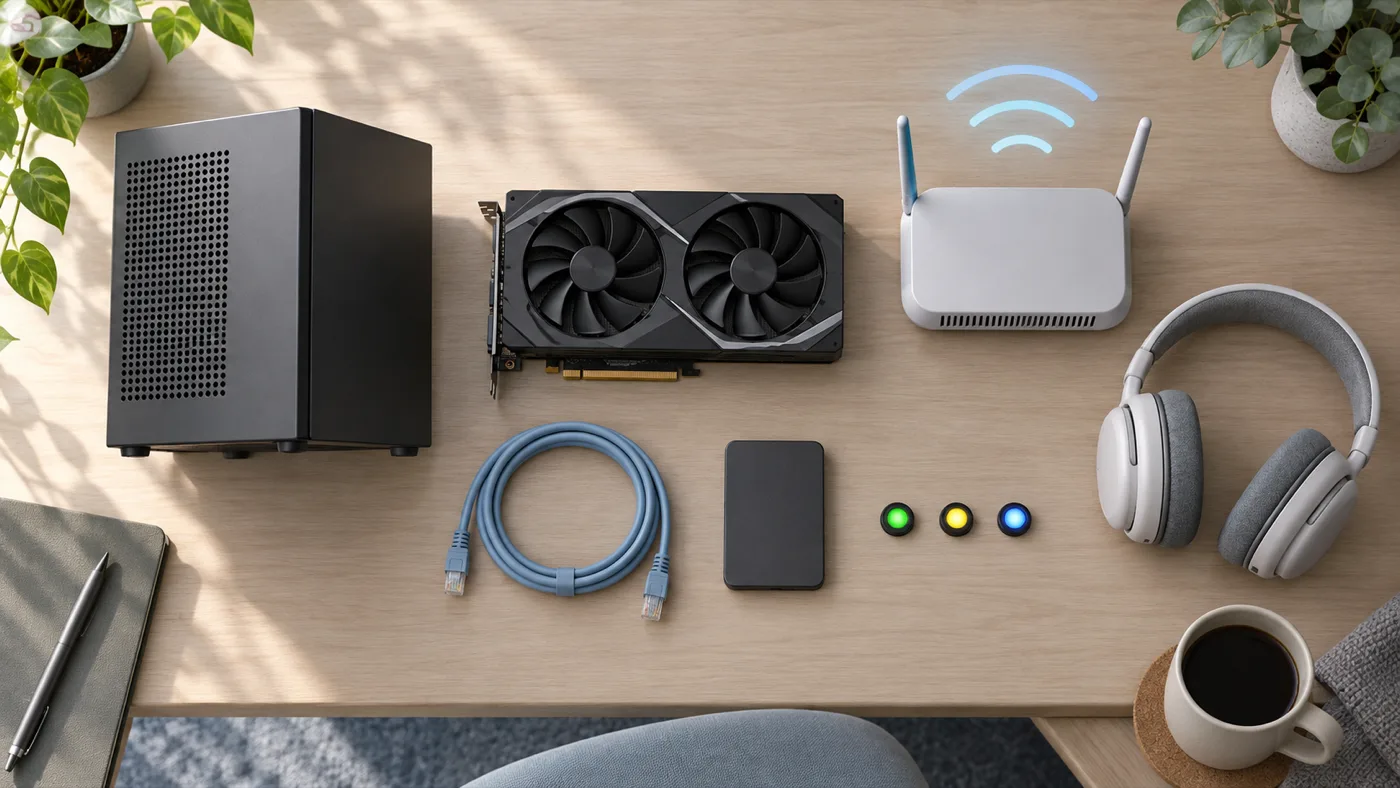
The U.S. listing shows $39.99, but tax and regional pricing can change the total. Use the Steam checkout screen to verify the product name, account region, currency, tax and whether any DLC is included. Valve’s refund page says it cannot refund purchases made outside Steam, such as third-party keys. If you are uncertain about performance, identify who controls the refund before buying from another seller.
Open Windows System Information and Task Manager to identify the CPU, memory and GPU. Do not stop at exactly 50GB of free space; updates and shader caches need additional headroom. A system near the minimum should be evaluated around a 1080p Low, upscaled target. For 1440p, compare against the recommended Core i7-12700K or Ryzen 7 5700X and RTX 3070 or RX 6700 XT class. Processor family and generation matter—a computer labeled only “Core i7” is not automatically comparable to the listed model.
Check the GPU manufacturer’s official application or support page for a stable driver before launching. Laptop users should also confirm the performance power mode and that the discrete GPU is selected. Record the current driver version in case a new release causes trouble, and avoid unofficial driver-download sites. Screen recorders, RGB tools and multiple overlays can conflict with a new game; if problems appear, disable them one at a time and retest.
Valve’s standard eligibility is within 14 days of purchase and under two hours of playtime. Setup menus can consume that time, so arrange drivers, audio and network settings before launch. Test an actual large match, a vehicle sequence, a crowded Control Zone, destruction and voice chat—not only a tutorial or empty area. Watch for frame pacing, input latency, server connection, crashes, temperature and fan noise. Do not assume a refund will be automatic after two hours. Valve says requests outside the rules may still be reviewed, but approval is not guaranteed.
Cloud play removes the 50GB local install and reduces the need for a powerful GPU, but latency can be visible in aiming and driving. Use NVIDIA’s network test to check the nearest data center, bandwidth, packet loss and latency. Prefer Ethernet; if that is not possible, use 5 GHz Wi-Fi near the router. Before purchasing the game, search for WARDOGS inside GeForce NOW while signed in and confirm that it appears in your region for the Steam account you intend to connect. Announced support and immediate availability in every region are not always identical.
GeForce NOW rents access to a cloud gaming PC; the Steam license grants access to WARDOGS. They are not the same purchase. Own or buy the game on Steam, then link that account to NVIDIA. Paid recurring GeForce NOW plans can renew automatically, so check the next billing date, monthly playtime allocation, session length and cancellation timing. A fixed-term pass and a recurring plan can have different renewal behavior. Use the current signed-in account page for prices and availability.
Proximity chat can improve teamwork, but it can also transmit household noise or identifying information. Enable push-to-talk, verify the correct microphone and review profile visibility. Mute, block and report abusive users instead of escalating. Parents should review Steam family settings, online interactions and the game’s weapon-based combat before a minor plays.
More maps, fighter jets and deeper progression are plans, not dated deliverables. If a missing feature is essential, wishlist the game and return after official patch notes confirm it. If the present 100-player, three-team objective mode, persistent cash system, vehicles and construction already justify the price, Early Access participation may make sense. Treat the roadmap as direction rather than a guarantee.
Release status, price, platform and PC specifications: Use the WARDOGS Steam product page. The store page and Steam Store API identify the release date, current U.S. price, developer, publisher, Windows support, language list and minimum and recommended requirements. Reload the page just before checkout because these details can change.
Current features versus plans: Read the Steam Early Access answers and Team17’s official game page together. Pay attention to the distinction between “current state” and “planned for the full version.” If a feature has no published date, do not treat it as scheduled.
GeForce NOW availability: Check NVIDIA’s launch announcement and then search the signed-in GeForce NOW library. Use the official requirements page to match bandwidth to your desired resolution, and run the application’s own network test. Availability can vary by region and account.
Refunds: Use Valve’s Steam Refunds page and Steam Support. The familiar 14-day and two-hour rule applies to ordinary game purchases, while DLC, outside keys, in-game items and subscriptions have different terms. If a key came from another store, that seller’s policy may control the refund.
No. The U.S. Steam listing shows a $39.99 paid game. GeForce NOW support does not include a free game license. Check the Steam purchase and any cloud membership separately.
Steam currently lists Windows, not a native macOS version. NVIDIA announced GeForce NOW support, so cloud streaming may work on a supported Mac in an eligible region if you own the game, link the correct account and meet the network requirements.
Steam lists Korean among supported languages. The full-audio marker is attached to English, so do not assume Korean voice acting is included. Check the current in-game language menu and recent reports for interface and subtitle quality.
No. The official note describes a target of 1080p Low at 60 fps with upscaling. Actual results can vary with battle density, drivers, cooling, background software and server conditions.
You normally need a supported-store game license as well. Own WARDOGS on Steam, link the Steam account to NVIDIA and confirm that the game appears in your regional library. Queue, session, resolution and monthly-hour conditions vary by membership.
The developer estimates approximately one to two years but says the duration may change with development and community feedback. That is not a fixed full-release date.
Valve says requests outside its standard rules can still be reviewed, but approval is not promised. Standard eligibility is within 14 days and under two hours. If performance is the concern, decide before crossing that limit.
The current official Steam information covers the Windows PC release. Separate future-platform reports from a version you can buy today, and wait for a platform holder or the publisher to confirm console availability and timing.
Prices, servers, requirements, platform and language support, cloud availability and Early Access plans can change. Recheck the latest Steam, Team17 and NVIDIA information immediately before purchasing.
브라우저 메뉴에서 앱 설치 또는 홈 화면에 추가를 선택해 주세요.
[…] Read this guide in English → […]